10 Essential Tips for Using a Fiber Laser Marking Machine Effectively
In the world of industrial manufacturing, the fiber laser marking machine stands as a game changer. According to Dr. James Harlow, a leading expert in laser technologies, "Mastering the use of a fiber laser marking machine is essential for precision and efficiency." His insights bring attention to the importance of effective usage.
These machines offer versatility and accuracy that traditional methods often lack. However, many users struggle to harness their full potential. Mistakes can happen easily, causing delays or errors. Knowing how to operate these machines effectively can save time and resources.
Users must understand common pitfalls. Often, it’s the little details that lead to suboptimal results. One might overlook the correct settings or the material type. This can lead to wasted materials and increased costs. With the right guidance, users can optimize outcomes and enhance productivity significantly.
Understanding Fiber Laser Marking Technology and Its Applications
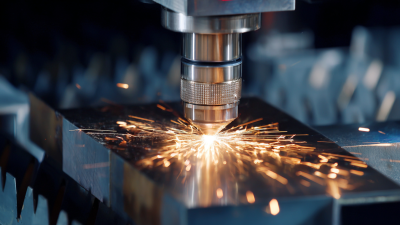
Fiber laser marking technology has revolutionized the way we engrave and mark various materials. This technology utilizes high-powered lasers to create permanent markings. It works by focusing a laser beam onto the surface of a material. The intense heat from the beam alters the material’s properties, resulting in durable marks. Metals, plastics, and glass can all be processed efficiently.
Applications of fiber laser marking are extensive. In industrial settings, it is used for labeling, serial number engraving, and barcoding. Jewelers utilize it for intricate designs and customization. However, novice users might struggle with settings like speed and power. It's easy to miscalculate the correct parameters, leading to imperfect results. Testing is vital to find the right balance, as the wrong configuration can damage the material or produce faint marks. Each application might require specific adjustments, making it essential to understand the material properties before starting.
Mistakes can happen, especially when working under time constraints. A rushed setup might overlook essential details, like focusing the lens correctly. Users should take their time and reflect on their process. Observing initial results can provide insights for corrections. Learning from these errors will lead to better outcomes in future projects. Patience and practice are key to mastering fiber laser marking technology.
Choosing the Right Fiber Laser Marking Machine for Your Needs
Choosing the right fiber laser marking machine is crucial for efficiency and quality. Many industries rely on precise marking for product identification. According to a recent report by MarketsandMarkets, the fiber laser market is expected to reach $2.96 billion by 2025, growing at a CAGR of 10.2%. This rapid growth underscores the importance of making informed decisions.
When selecting a fiber laser marking machine, consider the materials you will be working with. Different machines perform better on metals, plastics, and other substrates. For example, a laser with higher wattage can mark faster but may not be necessary for all applications. Ignoring this could lead to overspending or suboptimal results.
It's essential to assess the precision level needed for your operations. A lower-quality machine may save costs initially, but it might require more maintenance. Industry data shows that downtime for repairs can cost businesses thousands annually. Consequently, invest wisely. Test different machines with your materials to ensure compatibility. It’s a step often overlooked but can significantly affect the quality of your end product. Reflect on your unique needs before making a decision.
Preparing Materials for Optimal Fiber Laser Marking Results
Preparing materials properly is crucial for achieving optimal results with a fiber laser marking machine. Begin by ensuring that your surfaces are clean and free from debris. Even small amounts of oil or dust can affect the quality of the marking. Use appropriate cleaning agents, but test them first to avoid damaging the material.
Different materials interact uniquely with laser technology. Metals, plastics, and wood require specific settings for the best results. For instance, adjust the speed and power settings based on the material's density and thickness. This may take some trial and error to perfect. Don’t hesitate to experiment, but keep track of your settings and outcomes.
Remember to consider the material's finish. Surface texture impacts how the laser marks. A rough surface will absorb the laser differently than a smooth one. If the outcome isn’t ideal, think about how the texture contributes. Reflect on whether a finer finish could yield sharper markings. Understanding these nuances can help refine your process for future projects.
10 Essential Tips for Using a Fiber Laser Marking Machine Effectively
| Tip Number |
Tip Description |
Material Type |
Recommended Settings |
| 1 |
Clean the surface of the material to enhance marking quality. |
Metal |
Power: 20W, Speed: 200 mm/s |
| 2 |
Choose the right lens based on marking area. |
Plastic |
Power: 15W, Speed: 150 mm/s |
| 3 |
Adjust focus carefully to improve clarity of the mark. |
Wood |
Power: 25W, Speed: 100 mm/s |
| 4 |
Use optimal cooling to prevent overheating during operation. |
Anodized Aluminum |
Power: 30W, Speed: 300 mm/s |
| 5 |
Select the right type of gas when applicable for enhanced results. |
Ceramics |
Power: 35W, Speed: 80 mm/s |
| 6 |
Test on scrap pieces to fine-tune your machine settings. |
Glass |
Power: 10W, Speed: 50 mm/s |
| 7 |
Ensure materials are securely fixed during marking. |
Rubber |
Power: 20W, Speed: 120 mm/s |
| 8 |
Keep the machine clean to avoid contamination of materials. |
Leather |
Power: 15W, Speed: 140 mm/s |
| 9 |
Utilize software for precise design and engraving depths. |
Cardboard |
Power: 12W, Speed: 200 mm/s |
| 10 |
Review and maintain the machine regularly for optimal performance. |
Mixed Materials |
Power: Varies, Speed: Adjust according to material |
Safety Precautions When Operating a Fiber Laser Marking Machine
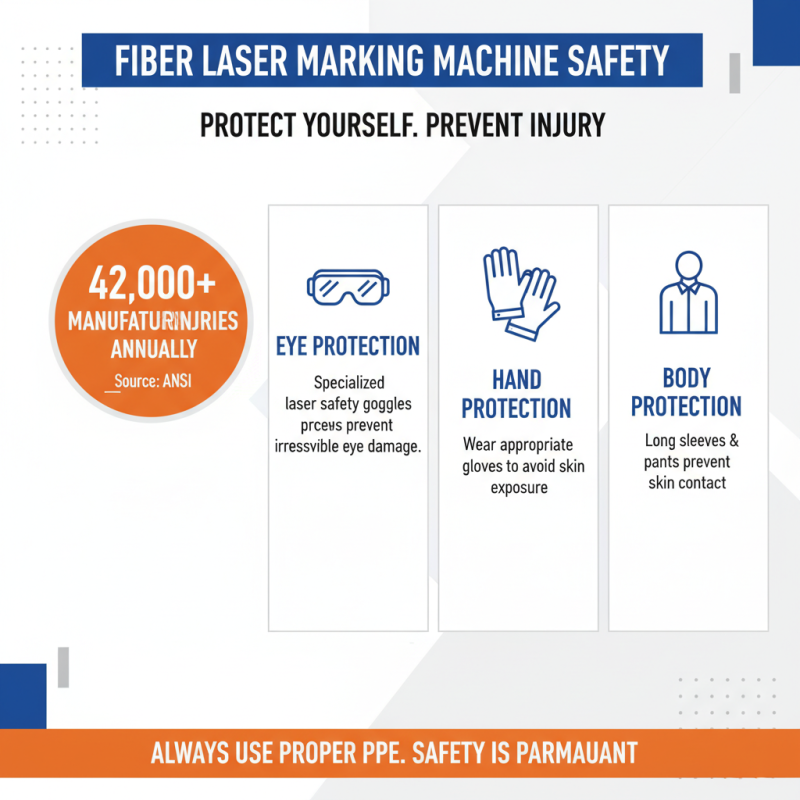
Operating a fiber laser marking machine requires attention to safety. According to the American National Standards Institute, more than 42,000 injuries occur each year in the manufacturing sector. This number highlights the need for stringent safety measures. Proper personal protective equipment (PPE) is essential. Eye protection is non-negotiable; the lasers can cause serious eye damage. Additionally, wearing gloves and appropriate clothing prevents skin exposure.
Laser marking machines emit high-powered beams. These beams can reflect off surfaces, creating additional hazards. Always ensure the workspace is free of unnecessary reflective materials. Training for operators also plays a critical role in safety. Inadequate understanding of the equipment can lead to accidents. A study noted that lack of training contributes to 74% of workplace incidents. Regular safety drills can help reinforce proper operation and emergency procedures.
Maintaining the machine is another aspect of safety. Regular checks can prevent malfunctions that might cause accidents. Overlooking routine maintenance can lead to serious failures, even in well-functioning machines. An environment that promotes safety helps build a culture of awareness. Operators should feel empowered to report hazards. Creating channels for feedback can strengthen safety practices significantly.
Maintaining and Troubleshooting Your Fiber Laser Marking Equipment
Maintaining your fiber laser marking machine is crucial for optimal performance. Regular cleaning is essential. Dust and debris can accumulate, affecting the machine's precision. Use a soft cloth and appropriate cleaning agents. Avoid abrasive materials that could scratch the surface.
Additionally, ensure all components are properly aligned. Misalignment can lead to inaccurate markings. Check the lens regularly. A dirty lens can diminish the quality of your engravings. Replace it if you notice any persistent issues.
Troubleshooting common problems is also key. If the machine suddenly stops working, check the power supply first. Sometimes, a loose connection can cause interruptions. Also, pay attention to the software settings. Incorrect configurations can lead to undesirable results. Keep notes on any inconsistencies. This will help identify patterns over time.